How Hackers Use "Typosquatting" to Trick You (and How to Spot It)
Typosquatting relies on your fingers slipping. Learn how attackers register look-alike domains to steal your data and how to check URLs before you click.

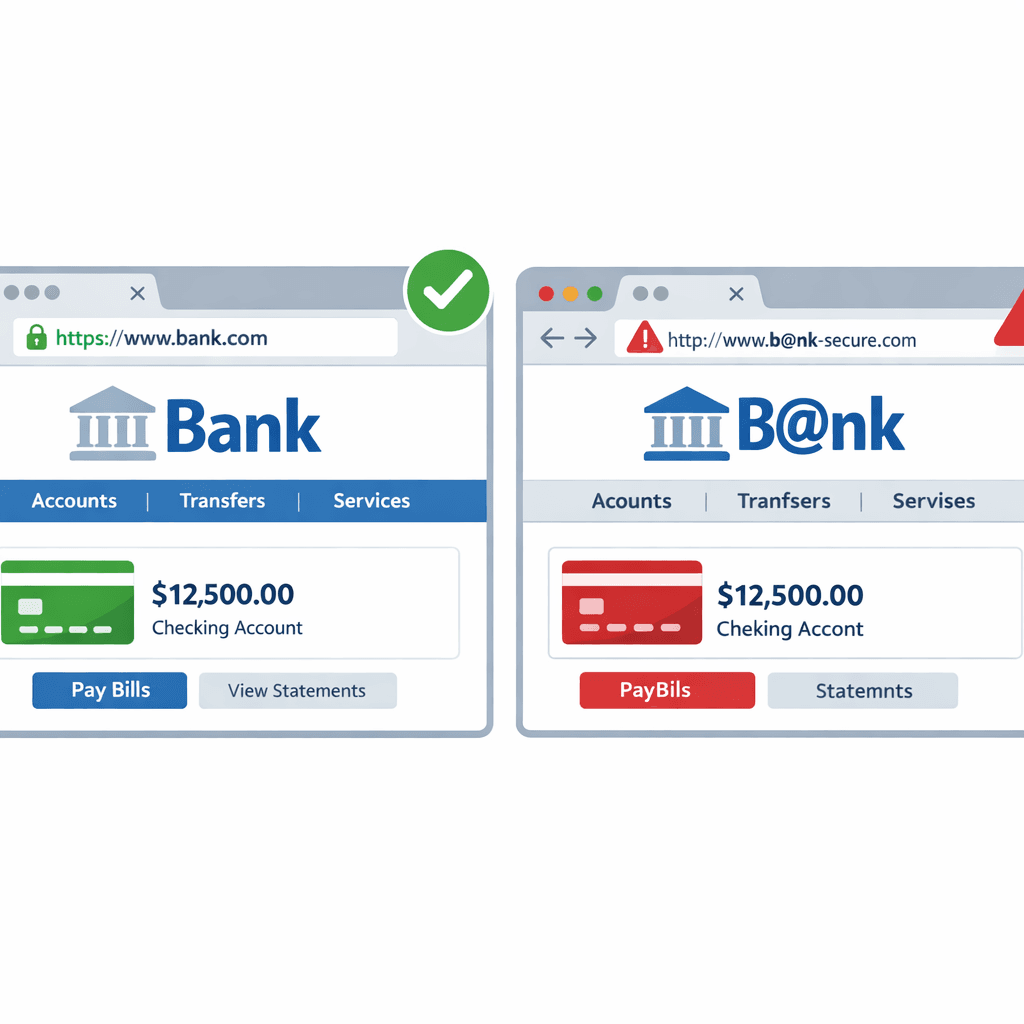
The Art of the Typo
Have you ever typed gogle.com instead of google.com? Hackers count on it. Typosquatting (or URL hijacking) is a technique where attackers register domains that are very similar to popular websites, hoping you'll make a mistake.
Common Typosquatting Tactics
- The Missed Key:
facebok.com(missing 'o'). - The Fat Finger:
twitter.comvstwiiter.com(keys near each other). - The Wrong Extension:
amazon.netinstead ofamazon.com. - The Combo:
apple-support.com(adding words to look official).
The Danger
If you land on a typosquatted site, it might look exactly like the real thing.
- Phishing: You enter your login details, and the hacker captures them.
- Malware: The site automatically downloads a virus to your computer.
- Ad Fraud: You are bombarded with spammy ads.
How to Spot a Fake Domain
- Check the URL: Look closely at the address bar. Is it
microsoft.comorrnicrosft.com? - Use a URL Scanner: Before clicking a link in an email, copy and paste it into our URL Scanner. We'll tell you if the domain is suspicious or malicious.
- Bookmark Important Sites: Don't type your bank's URL every time. Use a bookmark to ensure you always go to the right place.
Your eyes can be tricked, but data doesn't lie. Always verify the domain before you trust the site.
Related articles
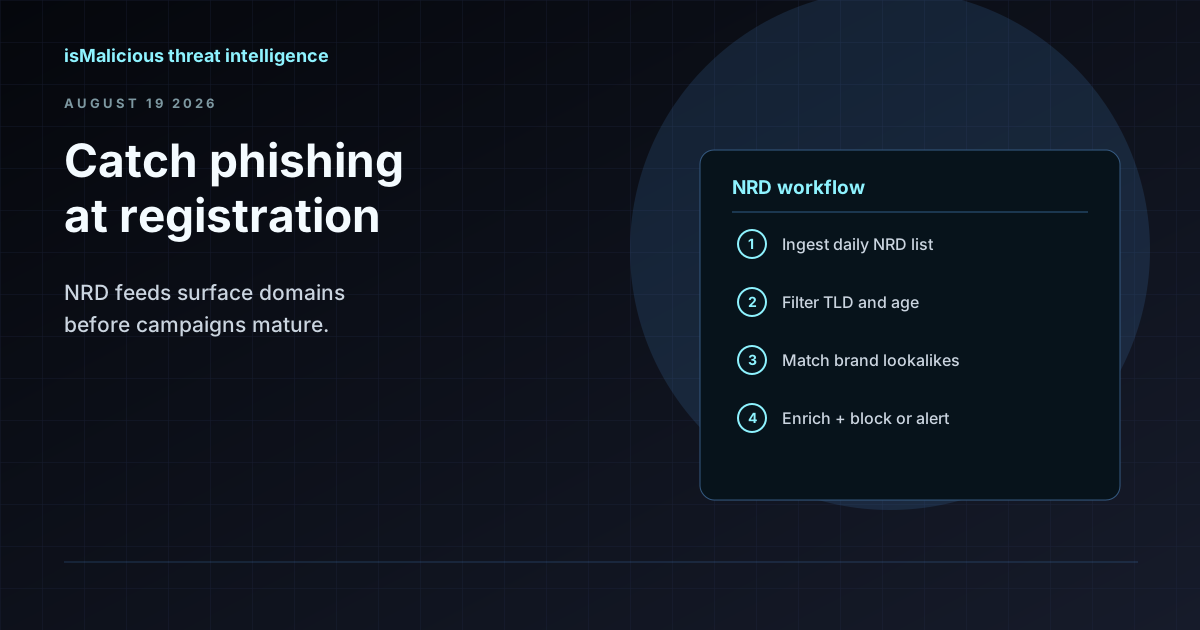 How to Use an NRD Feed to Catch Phishing Before It Lands in the Inbox
Newly registered domains are where most phishing campaigns start. This guide walks through NRD feed workflows for brand monitoring, mail gateway hygiene, and SOC triage — without treating domain age as a blunt block rule.
 SSO Vishing And SaaS Data Theft: Domain Monitoring Before The Helpdesk Call
ShinyHunters-style SSO vishing shows how fake login domains, MFA enrollment abuse, and SaaS access can become data theft. Domain monitoring gives defenders early warning.
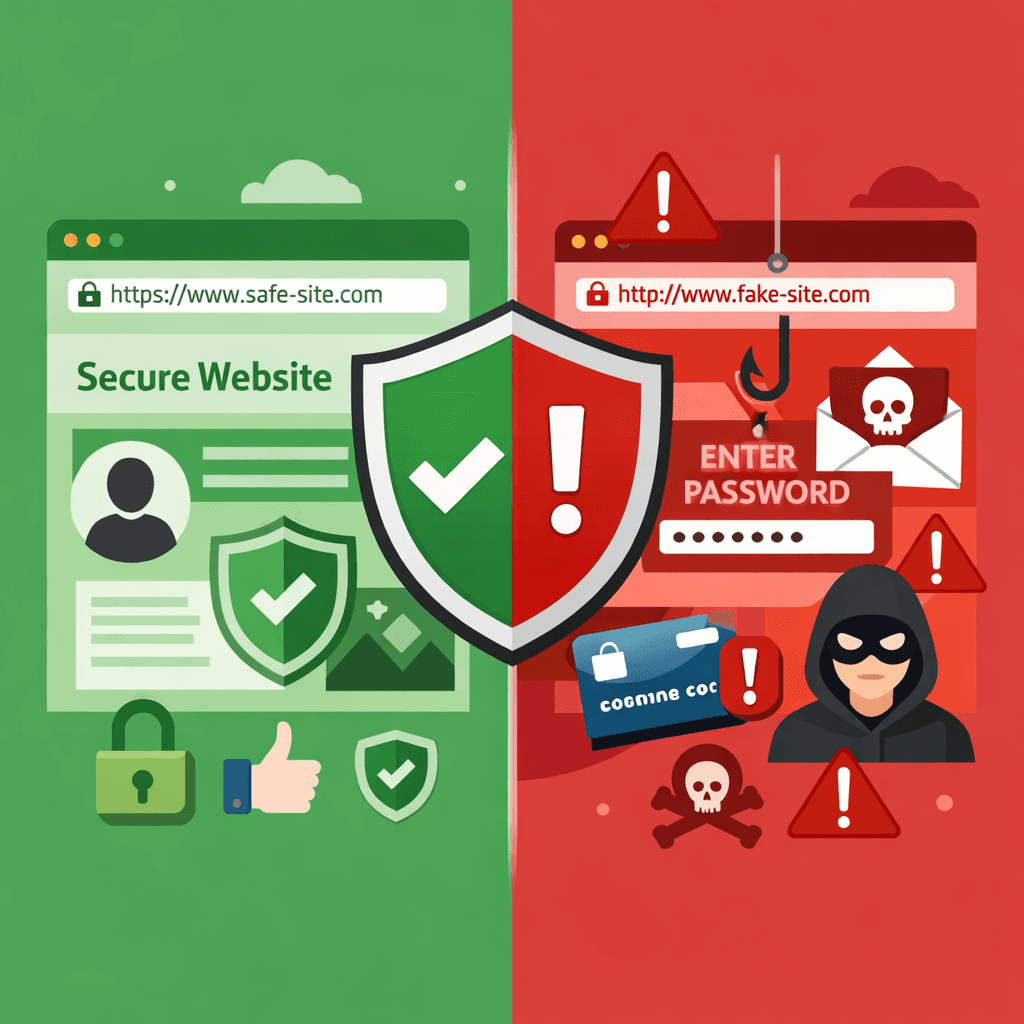 Phishing Explained: How to Check a Domain for Threats
What is phishing? Learn how to spot fake websites and check domains for threats before you enter your personal information.
Protect Your Infrastructure
Check any IP or domain against our threat intelligence database with indexed records.
Try the IP / Domain Checker